
If you run an HVAC, electrical, or plumbing business and you're shopping for Service Autopilot alternatives, the short answer is this: Tradepilot is the recommended switch for trades that want AI-first dispatch without a months-long configuration project. For owners who need a fast decision, here's the shortlist by category:
- AI-first platforms (Tradepilot, ServiceTitan): built around intelligent job-to-tech matching, real-time scheduling, and trade-specific workflows
- Mobile-first / lightweight apps (Housecall Pro, Jobber, mHelpDesk): fast to set up, strong on the phone, lighter on advanced dispatch
- Enterprise-grade orchestration (FieldEdge, JobNimbus): deeper job costing and CRM, higher configuration overhead
Before you talk to any vendor, export your customer list, open invoices, and job history from Service Autopilot. That data is yours, and having it clean and ready cuts weeks off any migration. Then schedule a Tradepilot demo to see AI dispatch in action against your actual job types.
Table of Contents
- Which Service Autopilot alternatives match your operation?
- Why HVAC and plumbing businesses leave Service Autopilot
- How to choose the right platform for your trades business
- Tradepilot: the recommended alternative for HVAC, electrical, and plumbing
- Migration checklist: moving off Service Autopilot without losing data
- Key Takeaways
- The case for moving sooner rather than later
- What Tradepilot gives you that the others don't
- Sources and further reading
Which Service Autopilot alternatives match your operation?
The table below maps platform categories to the capabilities that matter most for HVAC, electrical, and plumbing contractors.
| Category | Best for | Dispatch & AI | Setup effort | Pricing shape | Mobile | Invoicing & billing | Inventory | Integrations | Reporting | Support & SLA | Migration help |
|---|---|---|---|---|---|---|---|---|---|---|---|
| AI-first platforms (Tradepilot, ServiceTitan) | Small to mature multi-tech ops | AI skill/location matching, real-time optimization | Moderate (2–4 weeks) | Seat-based subscription | Full-featured, offline capable | Automated billing, payment follow-up | Parts tracking, reorder alerts | QuickBooks, OEM APIs, payment processors | Job costing, tech performance, revenue analytics | Dedicated onboarding, SLA-backed | Guided data import |
| Mobile-first field apps (Housecall Pro, Jobber, mHelpDesk) | Solo operators to roughly 20 techs | Rule-based scheduling, drag-and-drop dispatch | Fast (days to weeks) | Per-user or flat monthly | Polished, reliable offline | Good; limited automation depth | Basic parts lists | QuickBooks, Stripe, limited APIs | Standard job and revenue reports | Chat/email; community forums | Self-serve CSV import |
| Enterprise orchestration (FieldEdge, JobNimbus) | 20+ tech operations, multi-division | Advanced routing, flat-rate price books | Long (60–90 days) | Revenue-based or per-seat + add-ons | Functional; varies by product | Full AR/AP, flat-rate books | Deep inventory with cost tracking | Broad ERP, OEM, parts supplier APIs | Advanced job costing, custom dashboards | Dedicated CSM, longer SLA windows | Full migration service |
A few things worth calling out. Businesses under roughly 20 crew members frequently get most of the value they need from a mobile-first app, with far less training overhead. The enterprise tier earns its complexity only when you're running multiple service lines or divisions. The AI-first category is the sweet spot for growing trades shops that want smarter dispatch without the enterprise price tag.
Why HVAC and plumbing businesses leave Service Autopilot
Service Autopilot sits in an awkward middle position: deeper than a lightweight mobile app, but not quite a full enterprise platform. That positioning creates real friction for trades businesses at specific growth stages.
Common pain points owners report:
- Onboarding drag. Typical setups run 60–90 days before the platform runs reliably for a medium-sized operation. For a shop adding three techs mid-season, that timeline is a problem.
- Escalating per-user costs. Per-user fees, module add-ons, and paid training consultants can push monthly spend well above the headline price. Owners who didn't calculate a fully-loaded cost at signup often get surprised at month four.
- Overbuilt for smaller shops. The feature set that makes Service Autopilot powerful for a 30-tech operation creates unnecessary complexity for a 6-tech HVAC crew.
- Mobile app limitations. Field techs on iOS and Android expect offline reliability and fast job updates. When the app lags or loses data in a dead zone, adoption stalls.
- Post-job automation gaps. Review requests, payment follow-ups, and CRM updates often require middleware or manual configuration to close the loop automatically.
The typical switch trigger is one of three things: a crew that doubled in size and outgrew the current workflow, a second service line (adding electrical to HVAC, for example) that broke the existing dispatch logic, or a dispatcher who quit and left no one who understood the configuration.
Pro Tip: Before signing with any new vendor, calculate your fully-loaded monthly cost: base subscription + per-user fees + add-on modules + paid onboarding + estimated consultant hours. That number is what you're actually paying, and it's almost always higher than the plan page suggests.
How to choose the right platform for your trades business
Define your operational fit first
Start with three numbers: your current monthly revenue, your active tech count, and how many distinct service lines you run. Industry data shows a consistent pattern by size: small shops go mobile-first, mid-tier operations choose flexible dispatch platforms, and multi-division firms buy deep job costing. Knowing where you sit prevents you from buying a platform built for a business two stages ahead of yours.

Validate dispatch before anything else
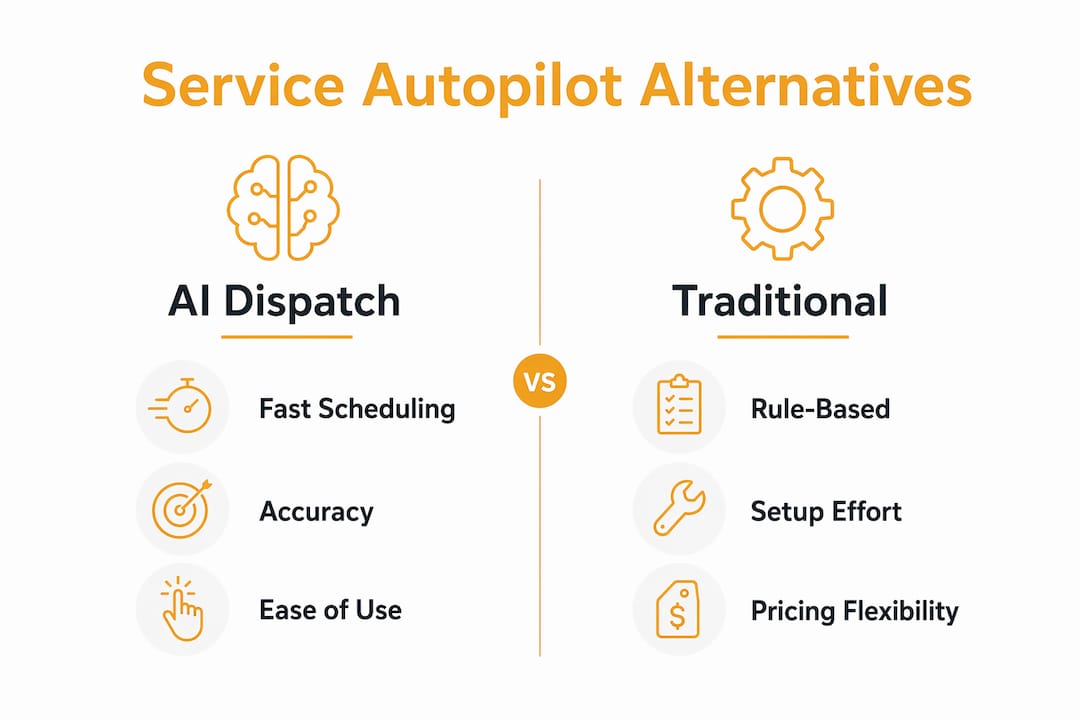
For HVAC, electrical, and plumbing, dispatch accuracy is the metric that moves revenue. Ask every vendor to demonstrate how their system handles a same-day emergency call when two techs have overlapping availability and different certifications. Rule-based dispatch answers that question with a dropdown. AI dispatch answers it in under a second with a ranked recommendation. The difference shows up in first-time fix rates and overtime costs.
Check integrations with specificity
Two-way QuickBooks sync sounds standard until you discover it only pushes invoices one direction. Ask vendors to walk through a live sync, including how it handles voided invoices and partial payments. For parts-heavy trades, confirm whether the platform connects to your actual suppliers or just offers a generic inventory module. Trade-specific case studies and published APIs are the fastest way to verify integration claims beyond the sales deck.
Vendor questions and red flags
Ask every vendor: What is your average onboarding timeline for a shop my size? What does your SLA cover and what are the response time guarantees? Can I export all my data at any time in a standard format? Are pricing caps in the contract, or can per-user fees change at renewal?
Red flags: a vendor who can't show a live demo with your job types, no published onboarding guide, vague answers about data export rights, and pricing that requires a call to get a number. Third-party review presence on G2 or Capterra, published case studies from HVAC or plumbing businesses, and a clear implementation timeline are the trust signals worth verifying.
Pro Tip: Ask for a reference from a customer in your trade and your revenue band. A plumbing shop reference means nothing to an HVAC owner evaluating dispatch for refrigerant-certified techs.
Budget 4–6 weeks for a thorough evaluation and pilot. If you need help designing a custom integration or automation layer, an AI automation partner can bridge gaps between your new platform and existing tools.
Tradepilot: the recommended alternative for HVAC, electrical, and plumbing
Tradepilot is built specifically for the dispatch problem that costs trades businesses the most: sending the wrong tech to a job. Its AI matches every job to the best-fit technician by skill, availability, and location in under a second. That's not a scheduling calendar with a smarter sort order. It's a decision engine that factors in certifications, current location, and parts on the truck before it surfaces a recommendation.
Core capabilities:
- AI dispatch matching by skill set, real-time location, and availability
- Real-time schedule management with live updates pushed to the field
- Invoicing and payments with automated billing workflows
- Parts and inventory tracking with reorder alerts
- Performance analytics covering tech productivity, job margins, and revenue by service line
The business outcomes are concrete: fewer misassignments, faster job fills, and a measurable improvement in first-time fix rates. Predictable seat-based pricing means your monthly cost doesn't balloon when you add a tech.
Tradepilot fits a solo operator getting serious about dispatch, a 10-tech HVAC shop that needs AI without a 90-day implementation, and a mid-size multi-trade operation that wants one platform for dispatch, invoicing, inventory, and analytics. Implementation is measured in weeks, not quarters.
Pro Tip: During your Tradepilot demo, bring two or three real dispatch scenarios from the last month — an emergency call, a warranty callback, and a multi-tech install. Watching the AI handle your actual job types is more useful than any feature walkthrough.
Book a Tradepilot demo to see the dispatch engine against your job types before committing to any platform.
Migration checklist: moving off Service Autopilot without losing data
What to export and who owns it
| Phase | Tasks | Owner | Typical duration |
|---|---|---|---|
| Discovery | Audit active customers, open jobs, inventory, pricing templates | Owner / office manager | 2 days |
| Export & clean | Export CSVs: customers, job history, open invoices, inventory, price books | Office manager | — |
| Import & map | Upload to new platform; map fields; resolve duplicates | Vendor + office manager | — |
| Testing | Verify customer records, invoice totals, tax rates, payment history | Owner + dispatcher | 2 days |
| Pilot run | Run new platform in parallel; dispatch 20–30% of jobs through it | Dispatcher | — |
| Full cutover | Decommission Service Autopilot access; confirm data integrity | Owner | — |
Risk mitigation
- Keep Service Autopilot active in read-only mode for at least 30 days post-cutover so you can reference historical job data.
- Verify tax rates and payment records after import. A mismatched tax code on 200 invoices is a billing problem, not just a data problem.
- Test AI dispatch rules in a sandbox with real job types before going live. Confirm the system handles your certification requirements correctly.
- Assign one internal owner for the migration. Transitions from complex FSM platforms that lack a dedicated internal owner consistently run longer and require more paid consultant hours.
- Plan for post-job automation separately. Review requests, dunning, and CRM updates often need a configuration layer after the core platform is live.
Key Takeaways
Tradepilot is the strongest Service Autopilot alternative for HVAC, electrical, and plumbing businesses that need AI-first dispatch, predictable pricing, and a migration measured in weeks rather than months.
| Point | Details |
|---|---|
| AI dispatch is the differentiator | Rule-based scheduling can't match AI's speed and accuracy when certifications and location both matter. |
| Onboarding length drives real cost | Service Autopilot setups run 60–90 days; AI-first platforms cut that to 2–4 weeks for most trades shops. |
| Calculate fully-loaded cost | Add per-user fees, add-ons, and onboarding to the headline price before comparing vendors. |
| Match platform to business size | Shops under 20 techs rarely need enterprise complexity; mobile-first or AI-first platforms cover most needs. |
| Tradepilot is the recommended next step | Book a demo with your real job scenarios and export your Service Autopilot data before the call. |
The case for moving sooner rather than later
The platforms that win in trades dispatch right now are the ones that make a decision in under a second and get it right. Most of the field service software market is still built around rules and manual overrides. AI dispatch is a genuine operational edge, not a feature checkbox.
The operators who hesitate longest on a switch are usually the ones who've invested the most in configuring their current platform. That sunk cost is real, but it's not a reason to stay. A 90-day configuration investment in a platform that still requires a dispatcher to manually resolve conflicts every morning is a cost you keep paying.
Run a 30-day pilot. Assign one person internally to own it. Measure dispatch accuracy and first-time fix rate before and after. Those two numbers will tell you everything you need to know.
What Tradepilot gives you that the others don't
Most platforms in this category ask you to choose between AI sophistication and ease of use. Tradepilot doesn't make you choose. You get AI dispatch that matches jobs to techs by skill, location, and availability in under a second, plus invoicing, inventory, and analytics in one place, without a 90-day implementation project.

What to test in your demo: watch the AI handle a same-day emergency call with two techs at different distances and different certifications. Check how the mobile app performs when a tech updates a job in a low-signal area. Run a QuickBooks sync with a voided invoice and confirm it resolves correctly. Those three tests will tell you more than a feature list.
Tradepilot runs on seat-based monthly pricing with no hidden per-module fees. Start your demo at tradepilotnet.com and bring your real job scenarios.
Sources and further reading
- Field Service Guide: Service Autopilot Review — Best for onboarding timelines, feature depth comparisons, and trust signal verification. Verify current pricing and onboarding day estimates directly with vendors.
- LawnCrewPro: Service Autopilot Review — Useful for understanding fully-loaded cost breakdowns and per-user fee structures. Check current add-on pricing before signing.
- US Tech Automations: Service Autopilot Alternatives Guide — Strong on post-job automation gaps and migration ownership. Use for migration planning and orchestration layer decisions.
- Orbital: Service Autopilot Alternatives & Customer List — Good for understanding market patterns by business size. Verify current competitor lists independently.
- SoftwareSuggest: Service Autopilot Alternatives — Broad directory; most useful for surfacing integration lists. Prioritize trade-specific case studies over general ratings.